Tips for success in this online course
Requisitos de finalización
- Be an active participant. Sense of community in an online course is just as important as in a face-to-face classroom. I believe it is more important, because we depend on our written words to reflect, collaborate and communicate. The discussion forums and group activities serve to enhance and advance the content we are learning. Please follow the Rules of “Netiquette” for a positive and open environment. Be respectful of each other’s thoughts and opinions and if you are compelled to disagree, that is OK; we need to hear all perspectives.
- Keep up with readings, discussions and assignments, and adhere to the deadlines. Falling behind in an asynchronous online learning environment will cause you unnecessary frustration and stress. This course is comparable to a college-level course, and participants who successfully complete all assignments may earn Continuing Education Units. It may seem like a lot of work to do, but it is manageable if you keep current each week. By signing on every day or every other day and devoting 5 or more hours each week, you should be able to keep up with ease. In the rare event of a personal issue or emergency, please message me through Moodle so we can agree on a longer time extension.
- Look ahead at each new week as soon as it opens every Monday. There are six units of study, all of which build on the previous week. For this reason all modules are not all open at once. When each week becomes available, you will see a checklist of all the required readings, activities and assignments for the week for you to plan your time accordingly. The readings, activities and assignments should be done in the order they are listed each week.
- Plan to submit assignments as you complete them so I can provide timely feedback. Please don't wait until the end of the course to submit everything all at once! Remember, we have a week-long break mid-way and an extra finals week at the end of the course to catch up on assignments if needed.
- Please do not email assignments, as it will disrupt the integrity of the course and grading system. All work takes place in Moodle and all assignments are uploaded into the assignment area. If you haven’t taken an online course before, no worries! I was new at it once, myself, and I hope you will find my guidance to be supportive and warm.
- When uploading designs or photos, you can use your phone to take a photo, then upload it to Moodle as a jpg. If you have a scanner, you can scan your work and save it as a pdf or jpg. If you get a message that says ‘invalid json string’ it means that you are trying to upload a file too large for Moodle.
- Here is a quick tutorial on submitting photos and documents in assignments and journals: Uploading Photos and Documents.
- Once you finish uploading your assignment, make sure to click on the submit button. Scroll down the page to be sure the submission status is showing as 'Submitted for grading' and not 'Draft'. Here are the four steps to submit an assignment.
- I generally provide feedback for assignments within a couple of days. You will receive an email letting you know your assignment has been graded and you can log into Moodle to see my feedback. Check your spam folder if you don't see that email.
- Keep in touch. If you need support or guidance, do not fade into the background. You invested in this course, and it will pay off for you in the long run. Please let me know if you are having any technical or other issues that are affecting your participation.
- Enjoy the freedom and flexibility of this course and all that we have to offer each other….and have fun! We all share a common interest, a desire to maintain the connection we have to our environment, and to share our enthusiasm with others through garden–based learning. I am confident you will leave this course with a network of like-minded professionals, a few new friends, and a bundle of wonderful resources to use in your garden-based learning program
- To help make your experience with the Moodle course an easy one, I advise:
- A recent version of an Internet browser, such as Google Chrome or Mozilla Firefox.
- A current version of Acrobat reader, or other pdf reader.
- You may need to turn off your pop-up blocker while in the course.
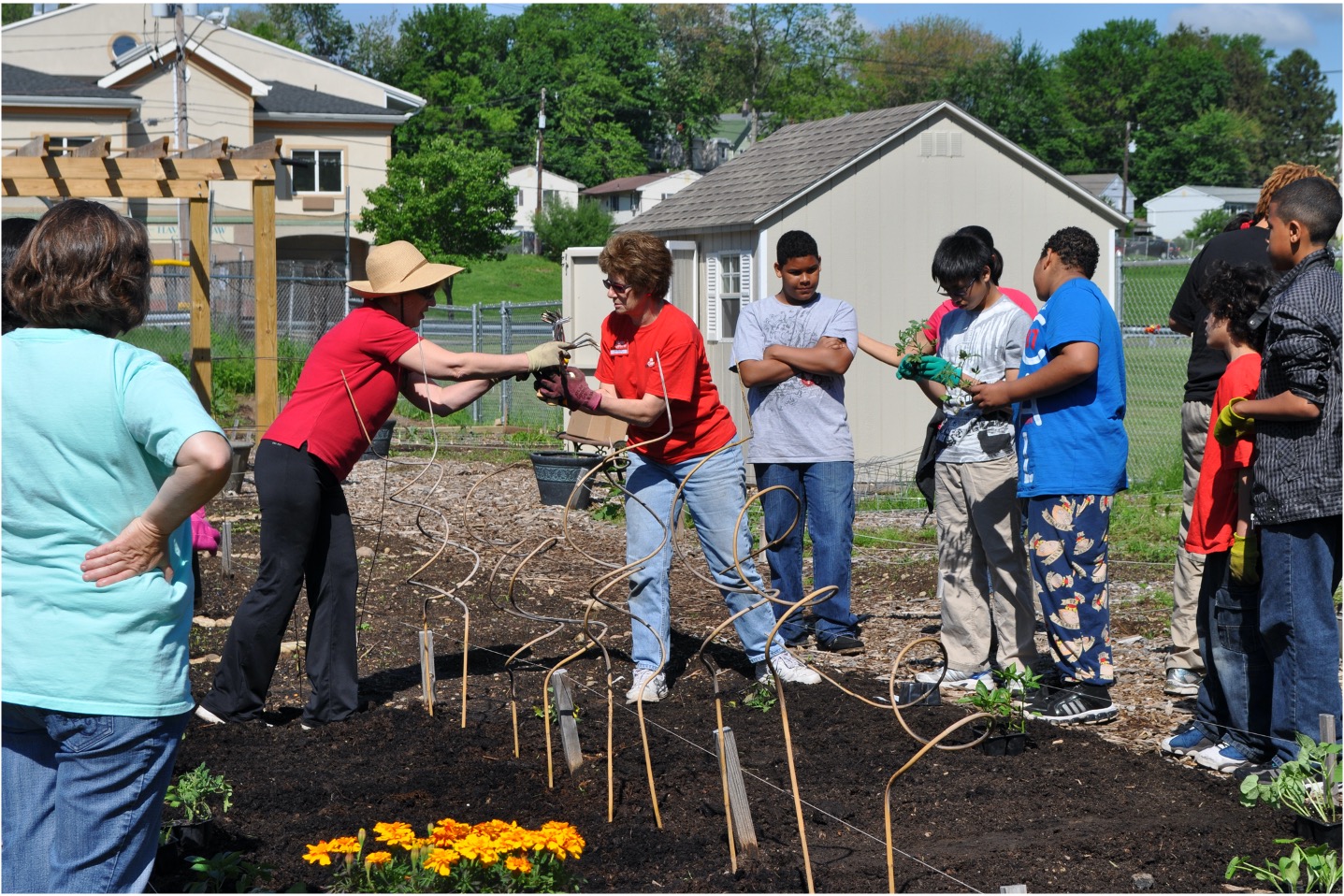
Haverstraw Community Center/Middle School Garden
Última modificación: miércoles, 3 de junio de 2026, 07:50